How to Extend Your iPhone Battery Life
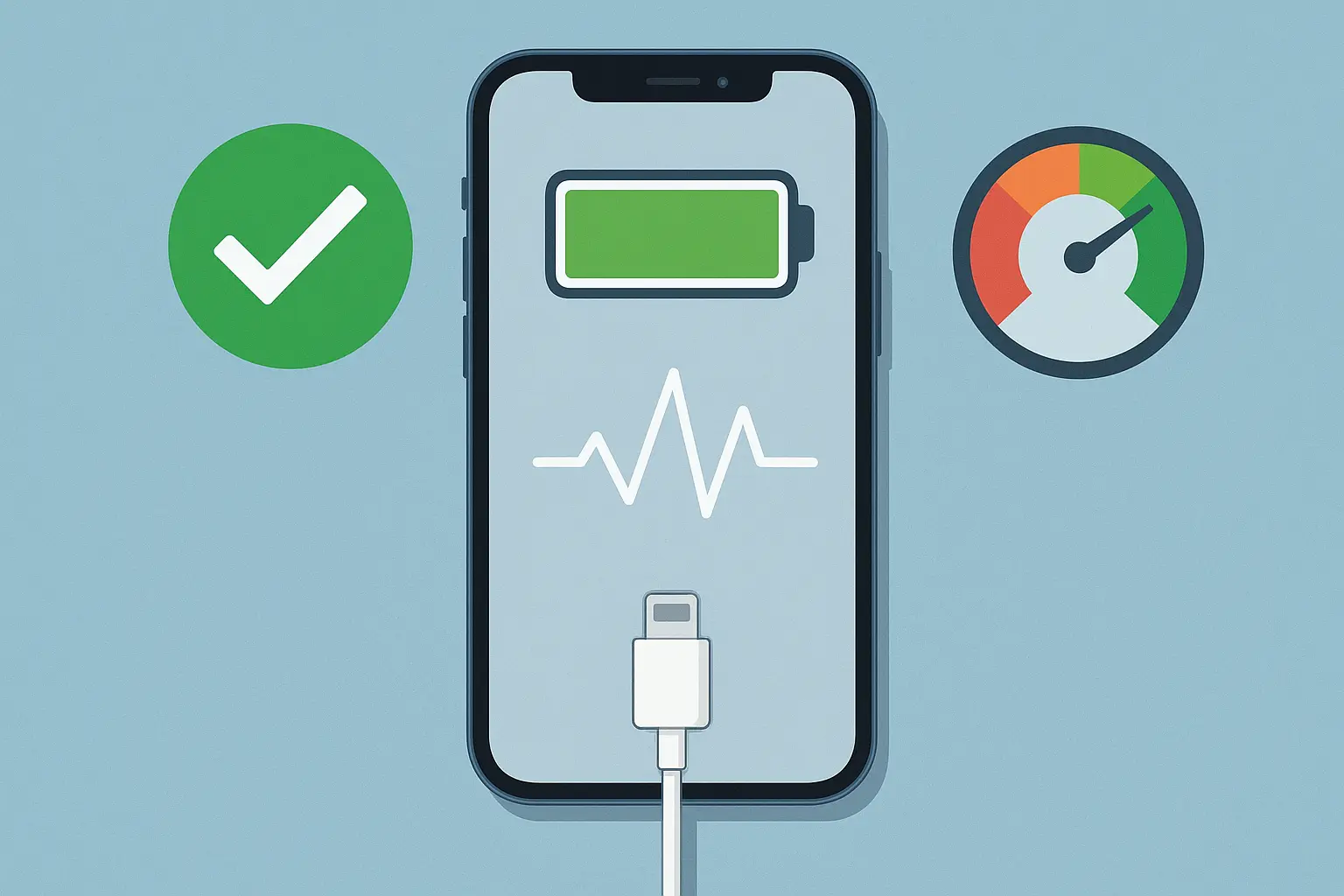
Understanding Your iPhone Battery
Your iPhone battery is built to last — most hold up to about 80% of their original capacity after 500 full charge cycles. That’s pretty good, but how you charge and use your phone can make a big difference over time.
Charging It the Right Way
You don’t need to baby your phone, but a few habits help. Try not to let the battery hit 0%, and don’t leave it plugged in all night every night. Keeping the charge between 20% and 80% is ideal. If your phone’s on iOS 13 or newer, turn on Optimized Battery Charging — it learns your schedule so it’s not sitting at 100% for hours.
Little Tweaks That Go a Long Way
Turn down the screen brightness, switch off background app refresh, and hit Low Power Mode when you know you’ll be away from a charger. Those small changes really add up, especially if your phone’s already a couple of years old.
When It Might Be Time for a New Battery
If your phone dies fast, feels hot, or shows less than 80% battery health, it might be ready for a new one. We see this all the time — a fresh battery can make your iPhone feel brand new again. Drop by Phonetastic Repair and we’ll test it for you, no pressure.